

The Host tab in NeetoCal is your dedicated space to manage all scheduling preferences. It centralizes availability, reminders, booking limits, and integrations into one clean place.
Where to find the Host tab
You’ll see Host in the left sidebar of NeetoCal, right below Bookings.
You will see two sub-tabs:
If you don't have the necessary permissions, you will not see the "All hosts" tab.
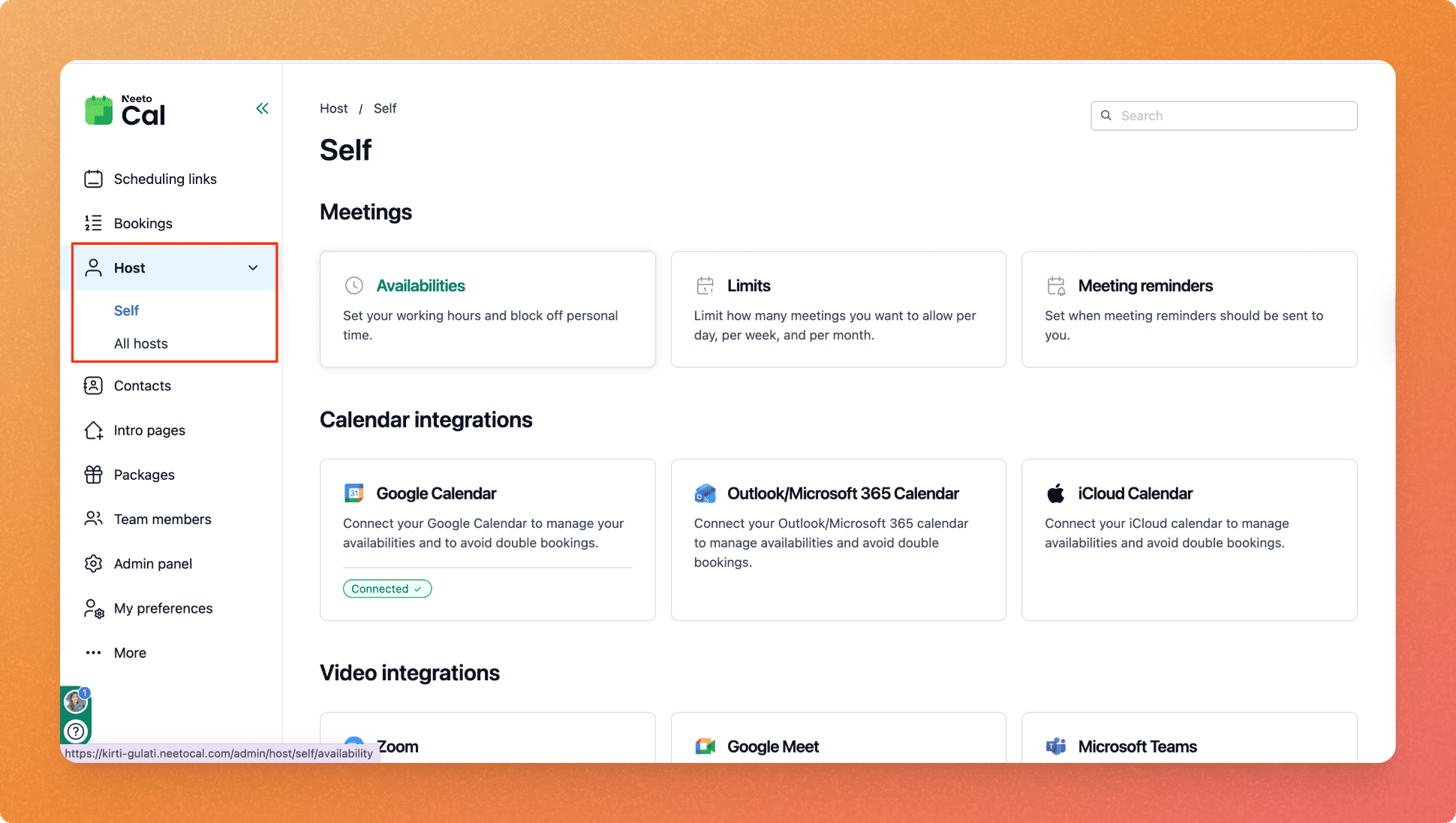
Self tab
The Self tab is your personal settings area. Use it to set up everything that affects your scheduling, availability, communication, and the tools you've connected.
All Hosts tab
The All Hosts tab gives you directory-style view of every host in the workspace.
When to use Self vs. All Hosts
Scenario | Use |
|---|---|
Setting up your own availability or integrations | Self |
Connecting your calendar or video tool | Self |
Checking if a team member's calendar is connected | All Hosts |
Integration for your team member on behalf of them | All Hosts |
Troubleshooting host issues related booking reminders | All Hosts |
Getting an overview of your team's integration | All Hosts |