

A Booking ID is a unique identifier assigned to every meeting scheduled through NeetoCal. When you contact support about a booking, sharing its Booking ID helps the team find it quickly.
Finding the Booking ID
-
Click on the Bookings tab from the left-hand sidebar.
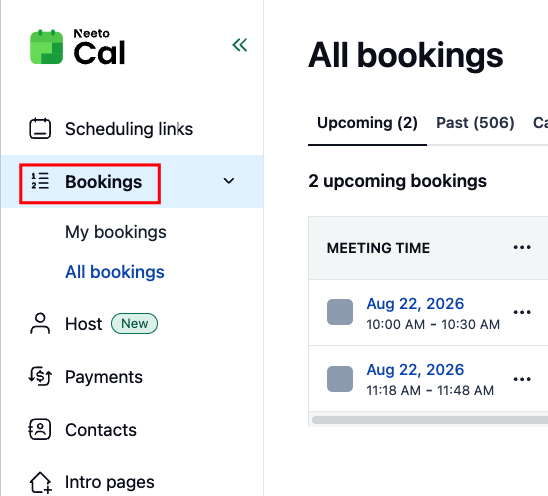
On the Bookings page, bookings are grouped under the Upcoming, Past, and Cancelled tabs. Open the tab where your booking is.
Click on the booking to open it.
A side panel will appear displaying the details of the selected booking.
-
Next to Booking ID, click the copy icon to copy it.
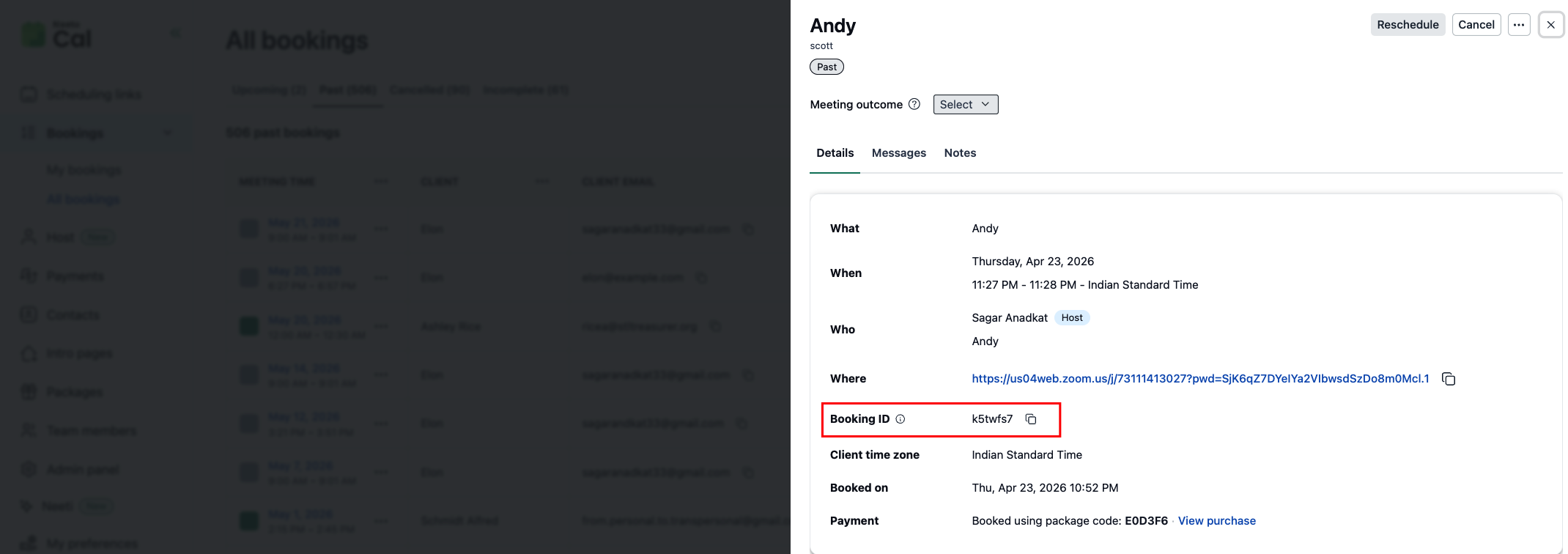
The Booking ID is also the last part of the booking page URL. For example, in https://example.neetocal.com/booking/q2w9zk4, the Booking ID is q2w9zk4.