
To remove your calendar integration,
Go to Host tab.
Click on Self.
Select Calendar Integrations to view your connected accounts.
Click on Manage Calendar.
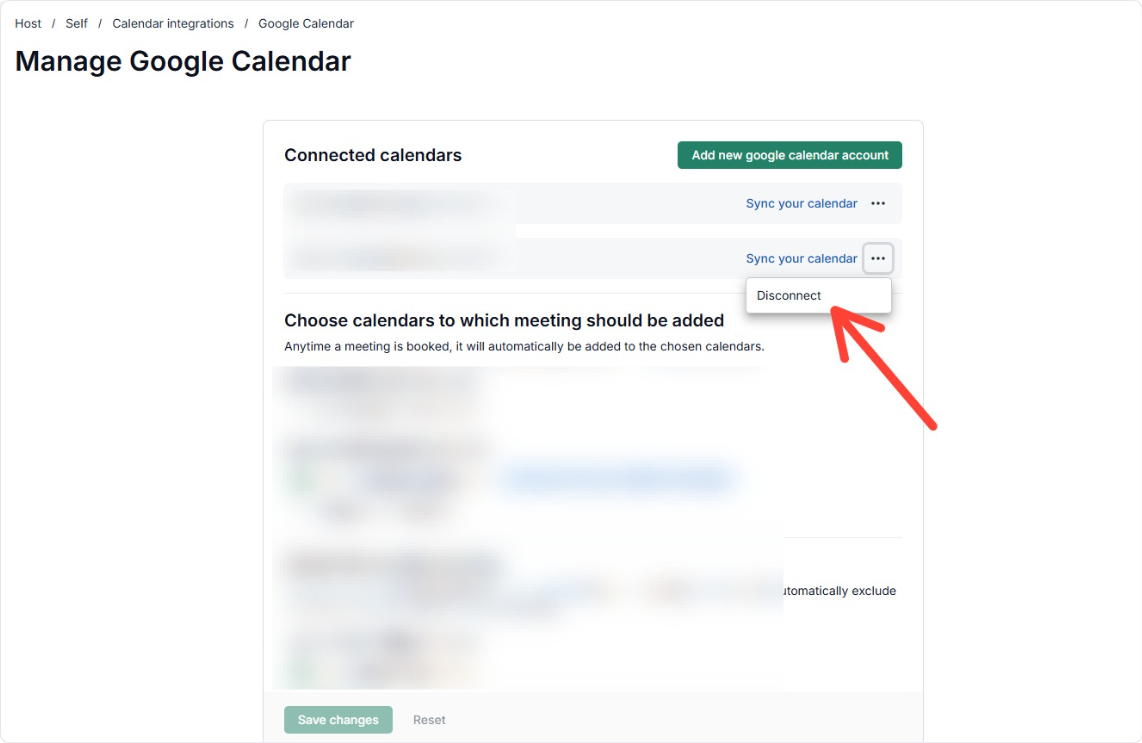
Click the three dots (⋮) next to the email address you wish to remove.
Click on Disconnect.

To remove your calendar integration,
Go to Host tab.
Click on Self.
Select Calendar Integrations to view your connected accounts.
Click on Manage Calendar.
Click the three dots (⋮) next to the email address you wish to remove.
Click on Disconnect.