

SEO (Search Engine Optimization) makes your intro page appear in search results (like Google). This helps people find you online easily without needing a direct link.
SEO elements
Here's how the different SEO elements appear.
Meta Title:
Alexaandra Workshop | Creative learning &...Meta Description:
Join Alexaandra Workshop to explore engaging skill-building sessions designed to boost...Social Share Image: The cartoon image of the person painting.
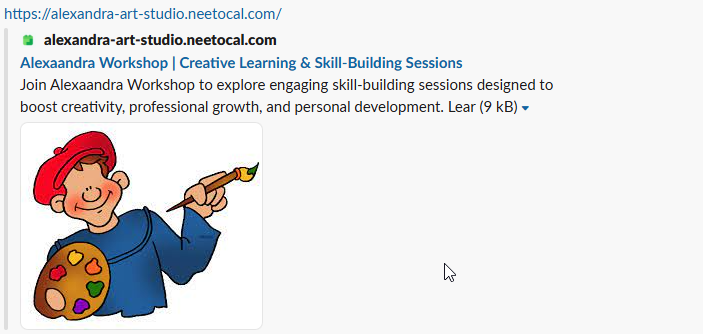
Social share image
Social share image is automatically taken from intro page's logo you set. There is no any separate settings required for social share image.
Setting meta title and meta descriptions
Click on the Intro Pages tab from the left sidebar.
Click on the intro page where you want to include SEO.
Click on SEO.
Click on Configure.
A pane will appear.
Enter the Page title , Meta Keywords and Meta description.
Click on Save changes.