

Before exploring Outlook integration to send emails, read the overview of sending emails from your domain. NeetoCal supports sending emails at the workspace level under Admin Panel which means if you connect any outlook email that same email be used for sending out email notifications across all the scheduling links of the workspace like booking confirmation, reschedules, cancellation etc.
Go to Admin Panel.
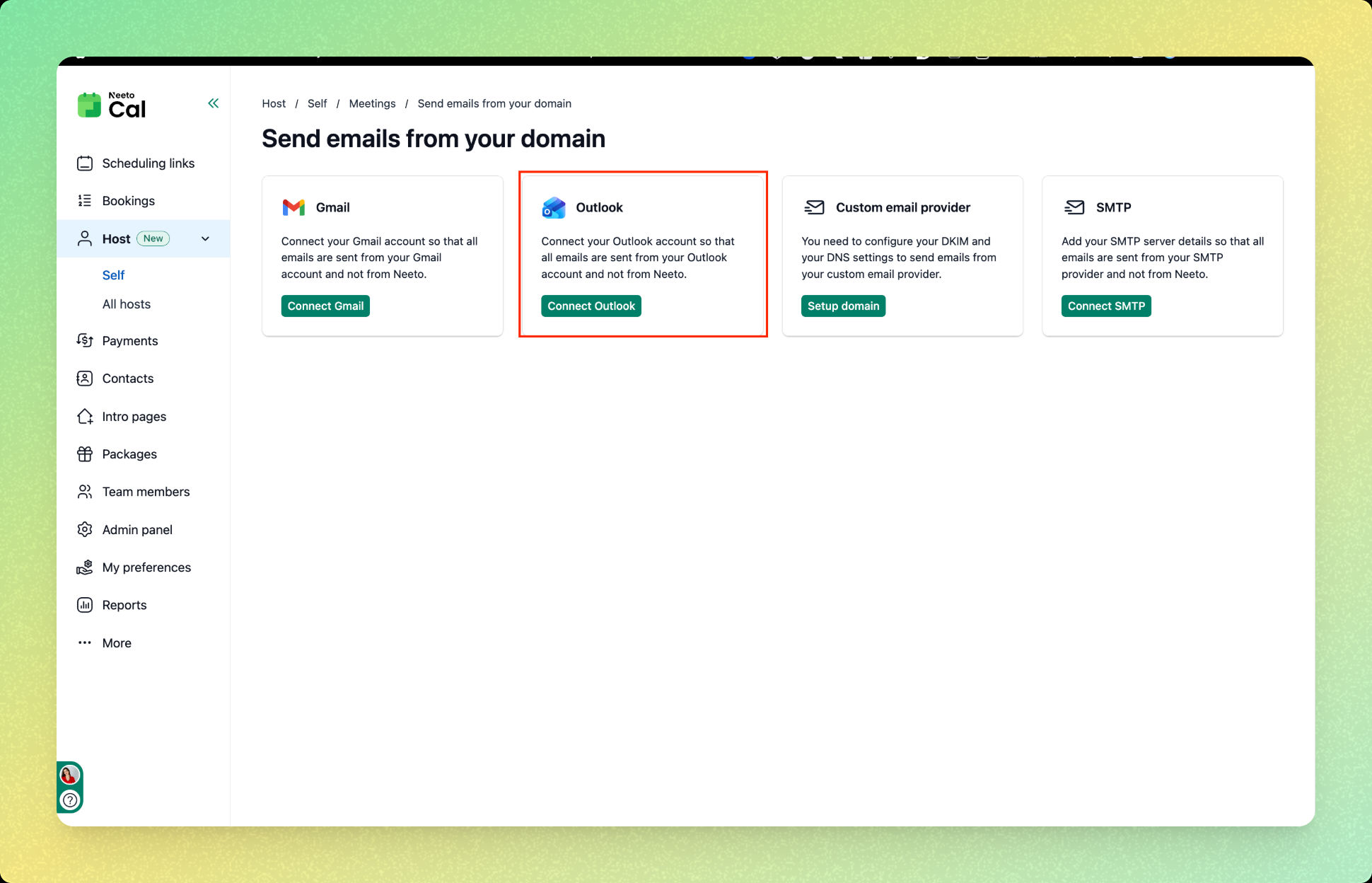
Click on Send email from your domain.
Click on Outlook.
Click on Connect Outlook.
Choose an account for Outlook integration.
Click on Continue.
Once connected, you will see the message "You are connected to Outlook" and all future emails will be sent from your connected Gmail account.