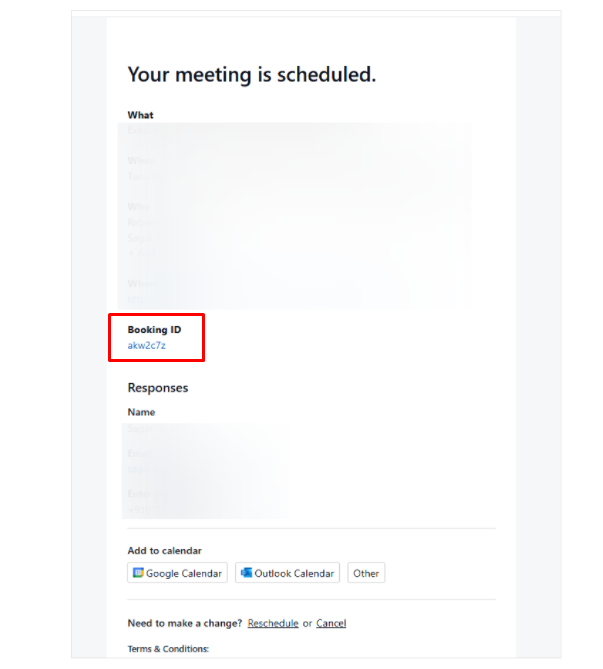
The Booking Confirmation/Details Page is where you can view all the specifics of a completed booking. It provides a complete summary of your meeting, including:
Host and Client details.
Meeting duration and location.
Reschedule and Cancel options.
For paid recurring meetings, Manage Payment Method options through Stripe will also be available.
It appears to your customer immediately after a booking is successfully completed.
Accessing booking confirmation page later
If you need to view the booking details again, you can access this page by clicking on the Booking ID link provided in the confirmation email you received.