

Dodo Payments is a global payment platform that lets you collect payments from clients in 220+ countries and 80+ currencies, with built-in local methods like cards, UPI, Apple Pay, Google pay, SEPA, iDEAL and regional options.
Since Dodo Payments is a Merchant of Record, it also handles VAT, GST, and sales tax on your behalf, so you don't need to manage tax compliance country by country.
Who can use Dodo Payments
You can use it if you are:
Based in India or any other supported country.
An individual (freelancer or solopreneur).
A Registred Business.
When Dodo Payments account is a good fit
Dodo Payments works best if you sell digital or scalable services, such as:
Software subscriptions (SaaS)
Online courses
E-books or templates
Memberships or subscriptions
If your business fits this model, you’re good to go. For more details, refer to this article to know which businesses it supports and which it does not.
Connecting Dodo Payments
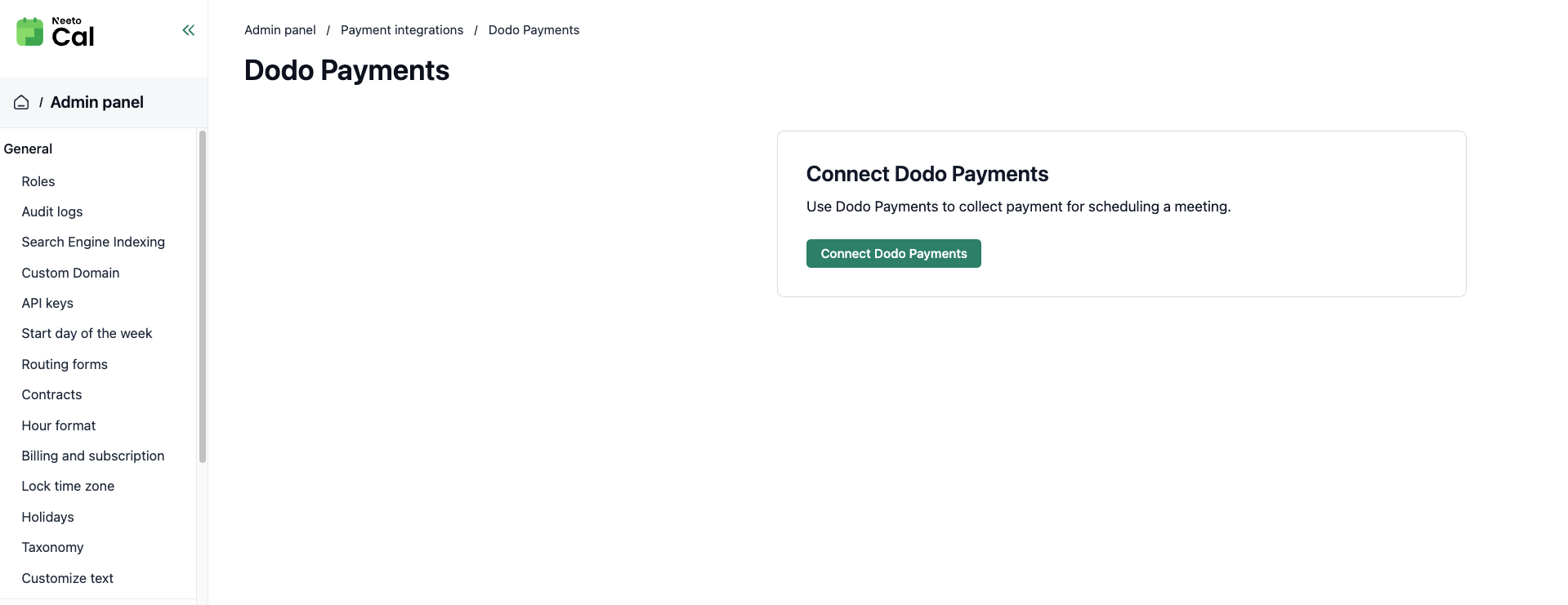
Navigate to Admin Panel from the left sidebar.
Click Payment Integrations.
Select the Dodo Payments card.
Click Connect Dodo Payments.
Log in to your Dodo Payments dashboard at dodopayments.com.
Go to Developer > API Keys.
Generate an API key (or copy an existing one).
Paste the API key in NeetoCal and click Connect.
Recurring payments
Dodo Payments supports recurring bookings with the "Charge before each meeting" option. The client pays for the first meeting at booking time, their card is saved, and subsequent meetings are charged automatically 48 hours before each meeting.
The "Charge full amount upfront" option is also supported, where the client pays for all meetings at once.
Payment methods
Credit and debit cards (Visa, Mastercard, Amex, and more)
Apple Pay and Google Pay
Regional methods (UPI, iDEAL, Bancontact, Pix, and others)
Since Dodo Payments acts as the Merchant of Record, "Dodo Payments" will appear on your client's bank statement.