
When building a booking page, you often need to collect specific information from your clients like their location, the service they need, or their preferred department. If you have a long list of choices, adding them one by one is tedious.
NeetoCal’s Bulk Add functionality allows you to import multiple options simultaneously into Single-choice, Multiple-choice, or Dropdown fields.
To add bulk options
Select the field type for which you want to add the options.
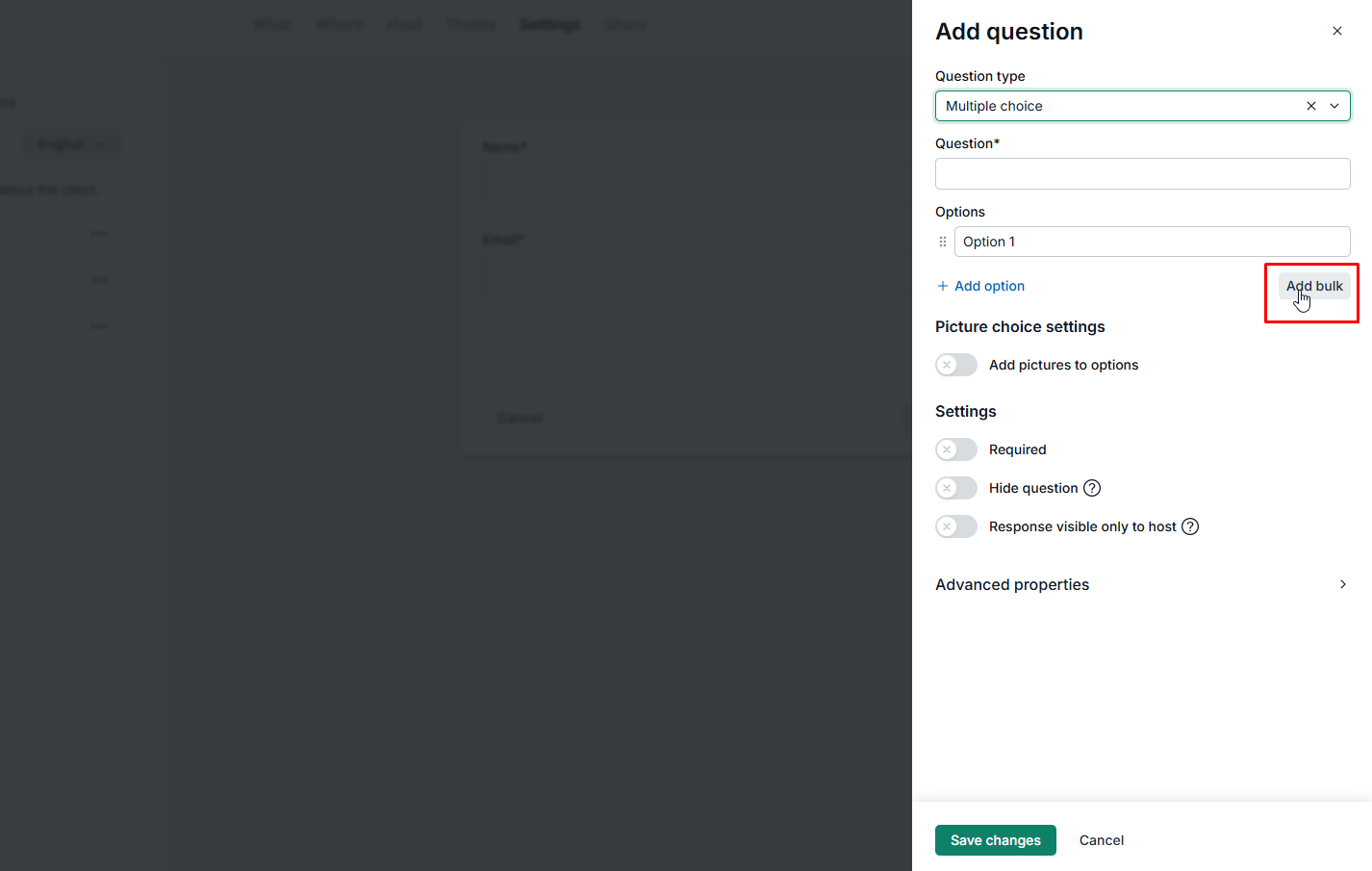
Click on the Add Bulk button located under the existing list of options.
Bulk add options modal will appear on your screen.
Enter the options, separated by commas or line breaks, depending on your preference.
Click on Submit button, and new options will be added to the selected element.
Example 1: Options separated by commas
New York, California, Texas, Florida, Washington, Illinois, MassachusettsExample 2: Options separated by line breaks
New York
California
Texas
Florida
Washington
Illinois
Massachusetts